
Requesting DNA via NG is now available. To order individual typing for the animals you own, follow these simple steps.
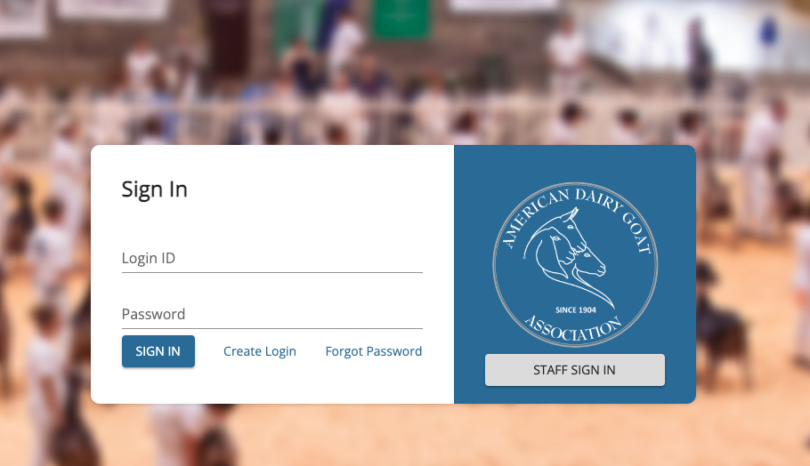
Step One: Sign into the online application using your login credentials.
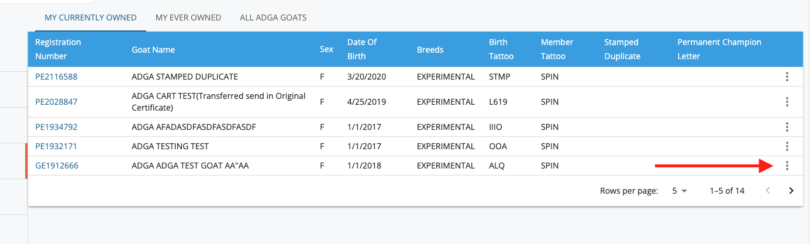
Step Two: Find the goat you would like to request DNA on in your currently owned list. Click on the three dots to the right of the animal’s name.
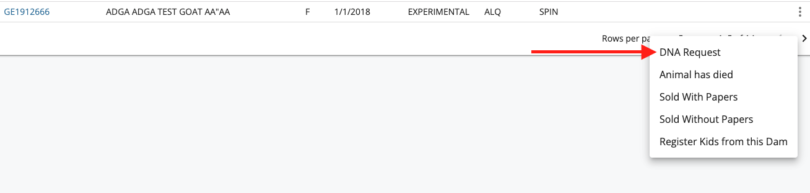
Step Three: Select DNA Request from the drop-down menu.
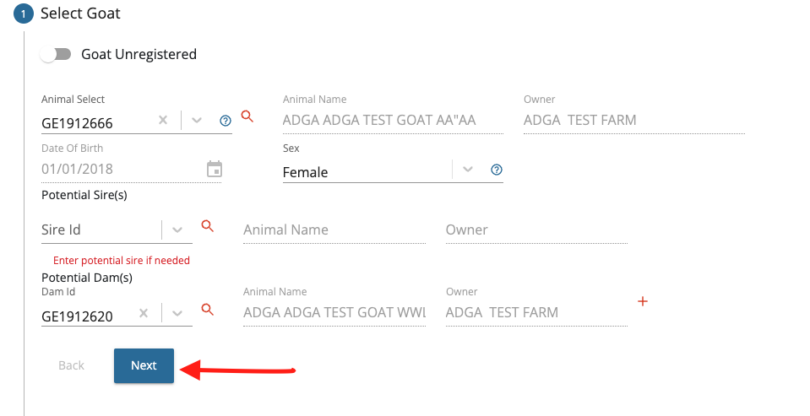
Step Four: The online application will begin to walk you through the steps to request the DNA. The animal you are testing will automatically populate, including the potential sire and dam from the registration papers. Click next to select the test you would like to request.
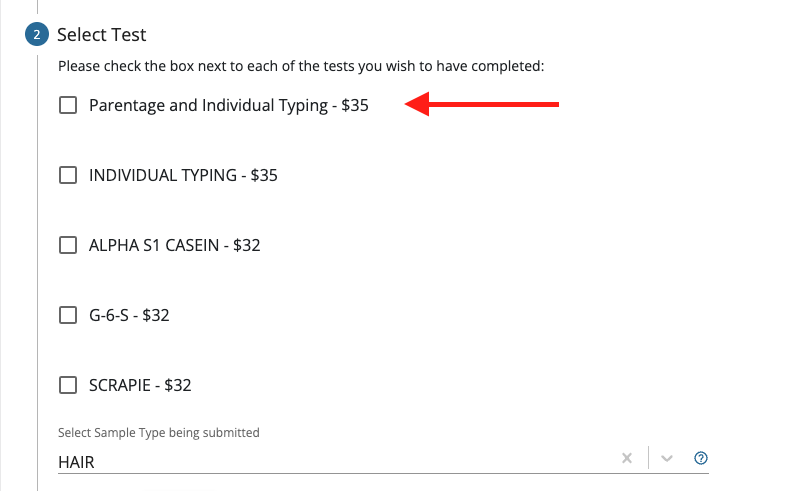
Step Five: Select the test you would like to submit to the lab. Individual typing is the required test to fulfill the 2024 Buck Rule; however, parentage verification will be automatically performed if the tested animal’s sire and/or dam have DNA on file through ADGA. (Appendix, DNA Typing, Part A).
The sample type being submitted will default to hair. After selecting the test, click Next.
If you would like more information on collecting a hair sample for a DNA Test, click the button to access a tutorial by UC Davis.
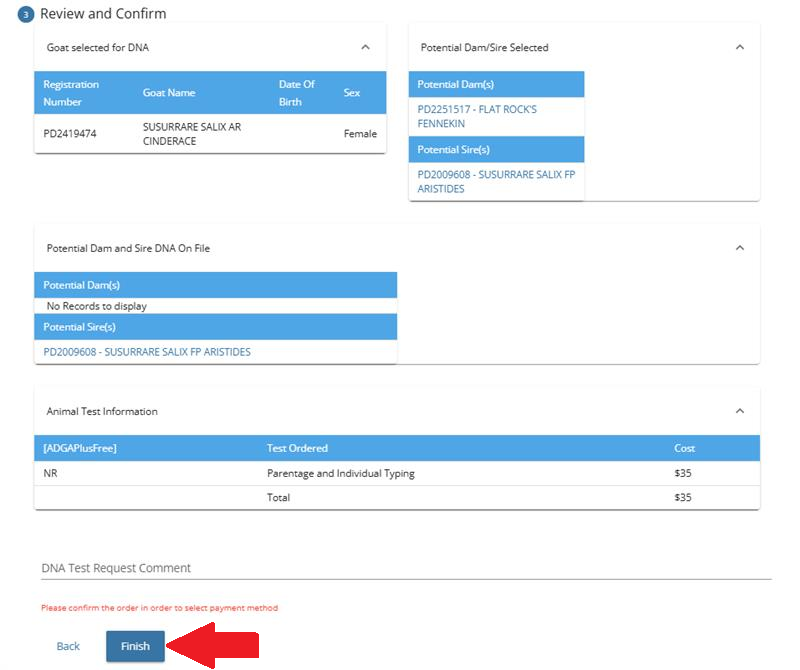
Step Six: Review and confirm. Please ensure that the information is correct. After confirming the information, click Finish. This does not mean the DNA test has been ordered at this time. It only means it has been added to your cart.
OR
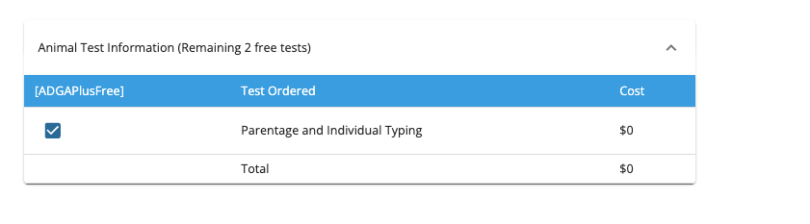
Step Six – ADGA Plus Subscribers: Review and confirm. Please ensure that the information is correct. If you plan on using an included DNA test for this goat, indicate it as such using the check box. Click Finish. This does not mean the DNA test has been ordered at this time. It only means it has been added to your cart.
Please note: in order to access the three included tests, you must have been billed and paid for ADGA Plus
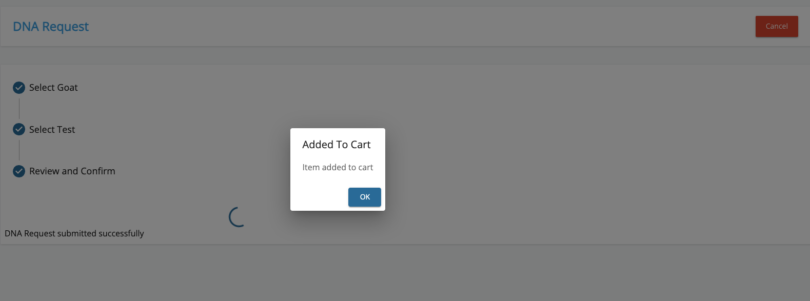
Step Seven: You will receive confirmation that the DNA test has been added to your cart. Click OK to return to your home screen and continue the process.
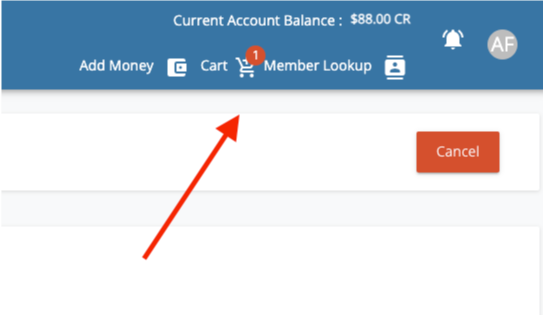
Step Eight: To complete your DNA test, find the cart icon and click on it. Even ADGA Plus included tests will be added to the cart as a $0.
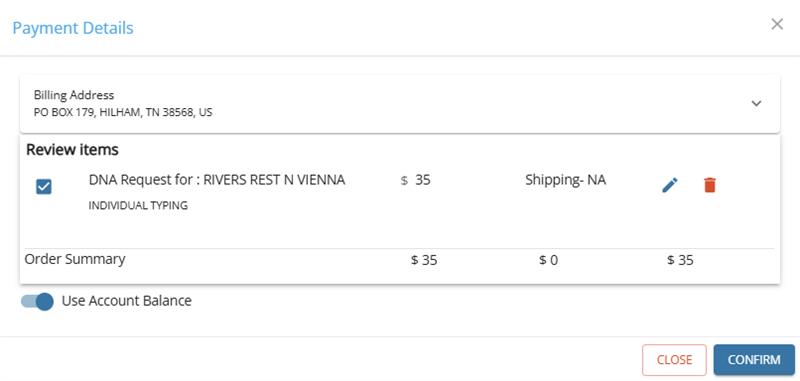
Step Nine: You can use the two options below to pay for the DNA test. If you have an account balance, you can use it to pay for the test. Otherwise, you will need to pay using the credit card option. The included ADGA Plus DNA will only need to be confirmed to finish processing. Once you press confirm for the payment, instructions including a mailing label will be sent immediately to your email.
Please check your spam if it is not in your inbox. If you do not receive the forms within 24 hours, please open a DNA Support Ticket and include the registration number of the requested animal.
Follow the instructions in the email to submit your test. Please send all test samples to the test lab and not the ADGA Office.
DNA results are emailed to members once the ADGA Office receives the report from our partner lab, VGL at UC Davis. Proof of DNA can be a copy of the email you receive with the DNA result from the ADGA Performance Programs Department. Please double-check your spam or junk folder before contacting the office if you have not received an email for your goat.